API
Build automated visual workflows with Recraft API
Integrations
Access Recraft across different platforms
Download app
Download app

GPT Image 2.6

GPT Image 2.6 is OpenAI's latest image generation and editing model, now in Recraft Studio. Flare makes fast drafts, and Sunburst keeps edits consistent from one round to the next. Sunburst is available on the Free plan.

Trusted by designers at

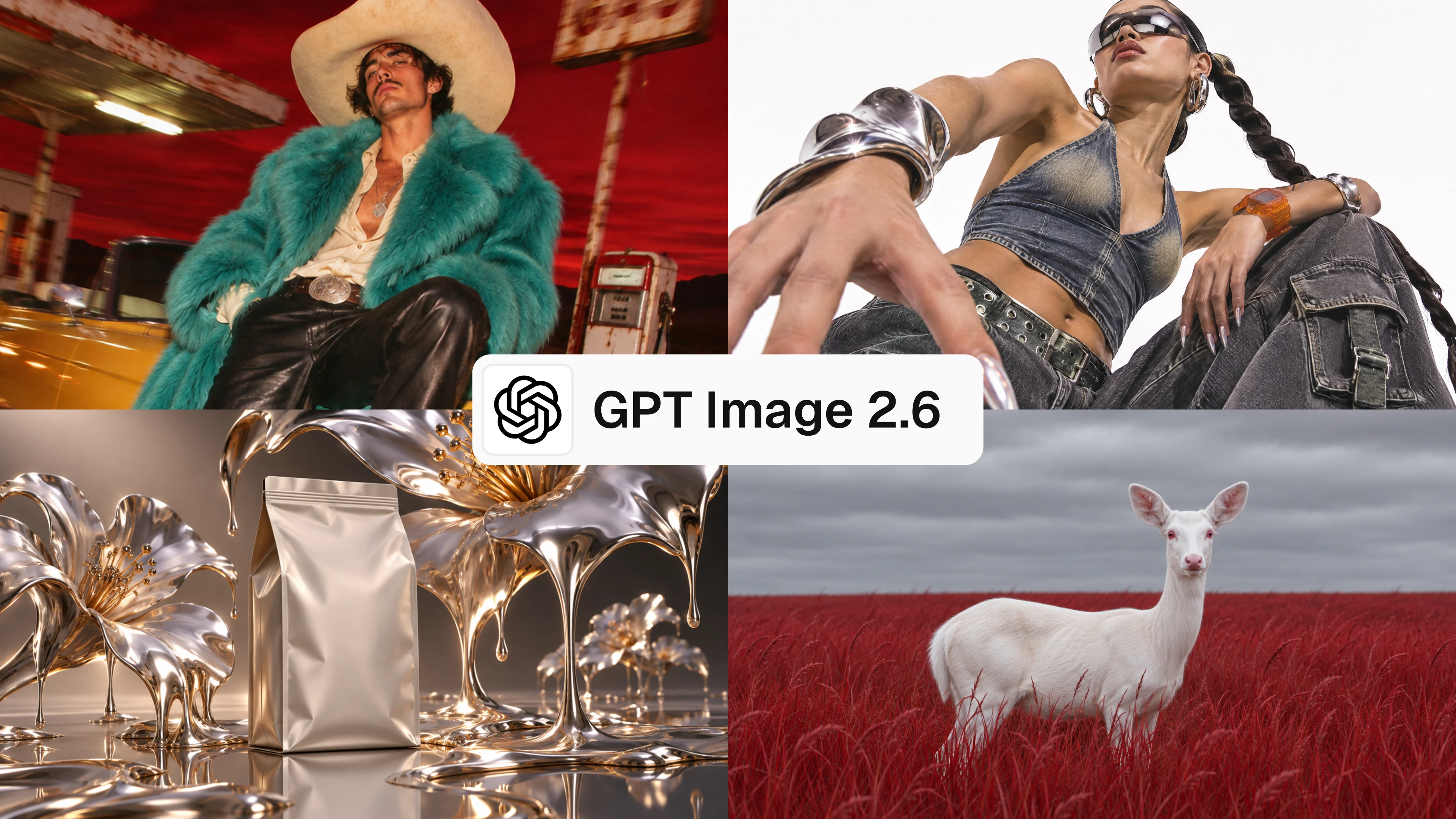
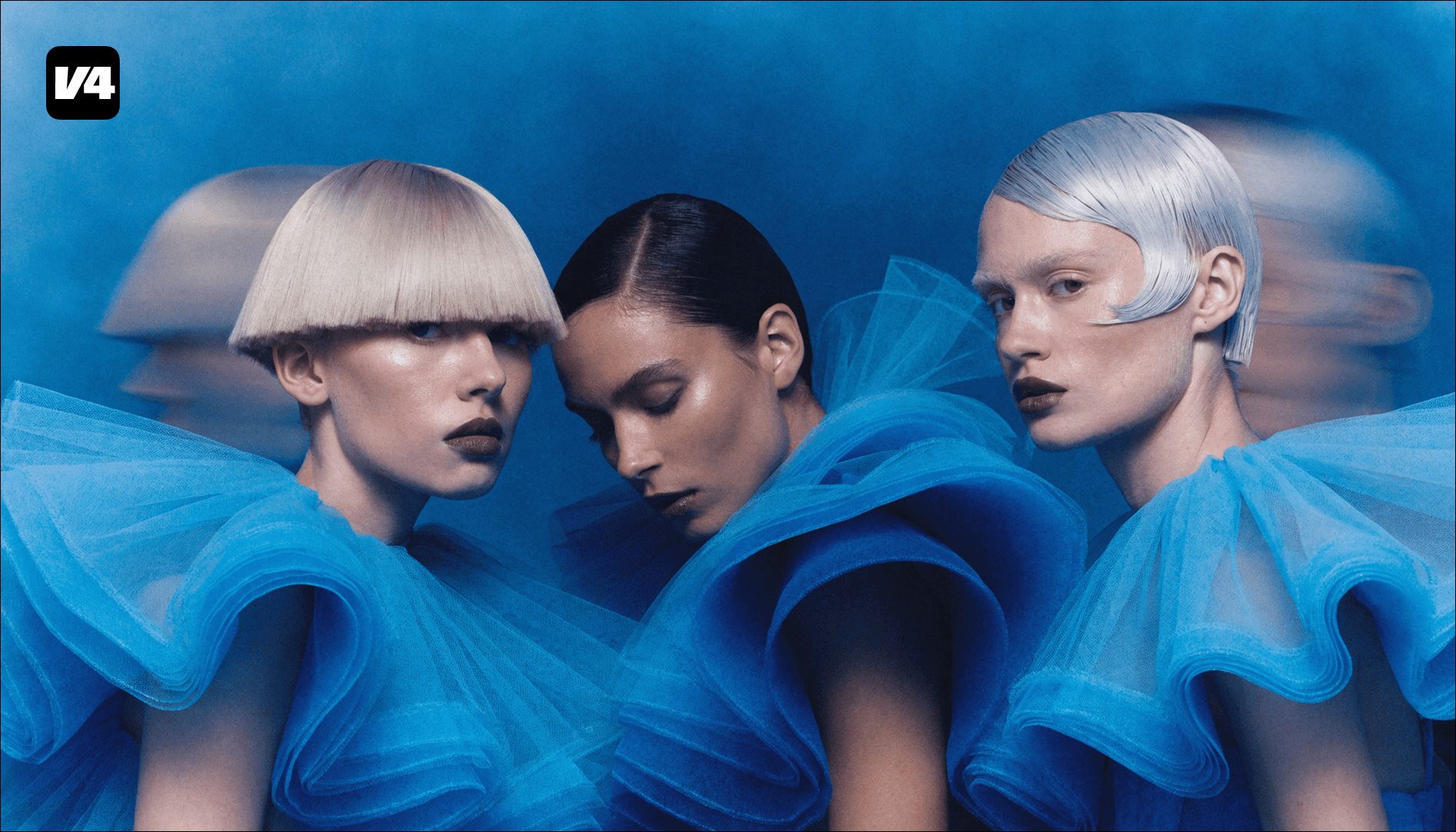
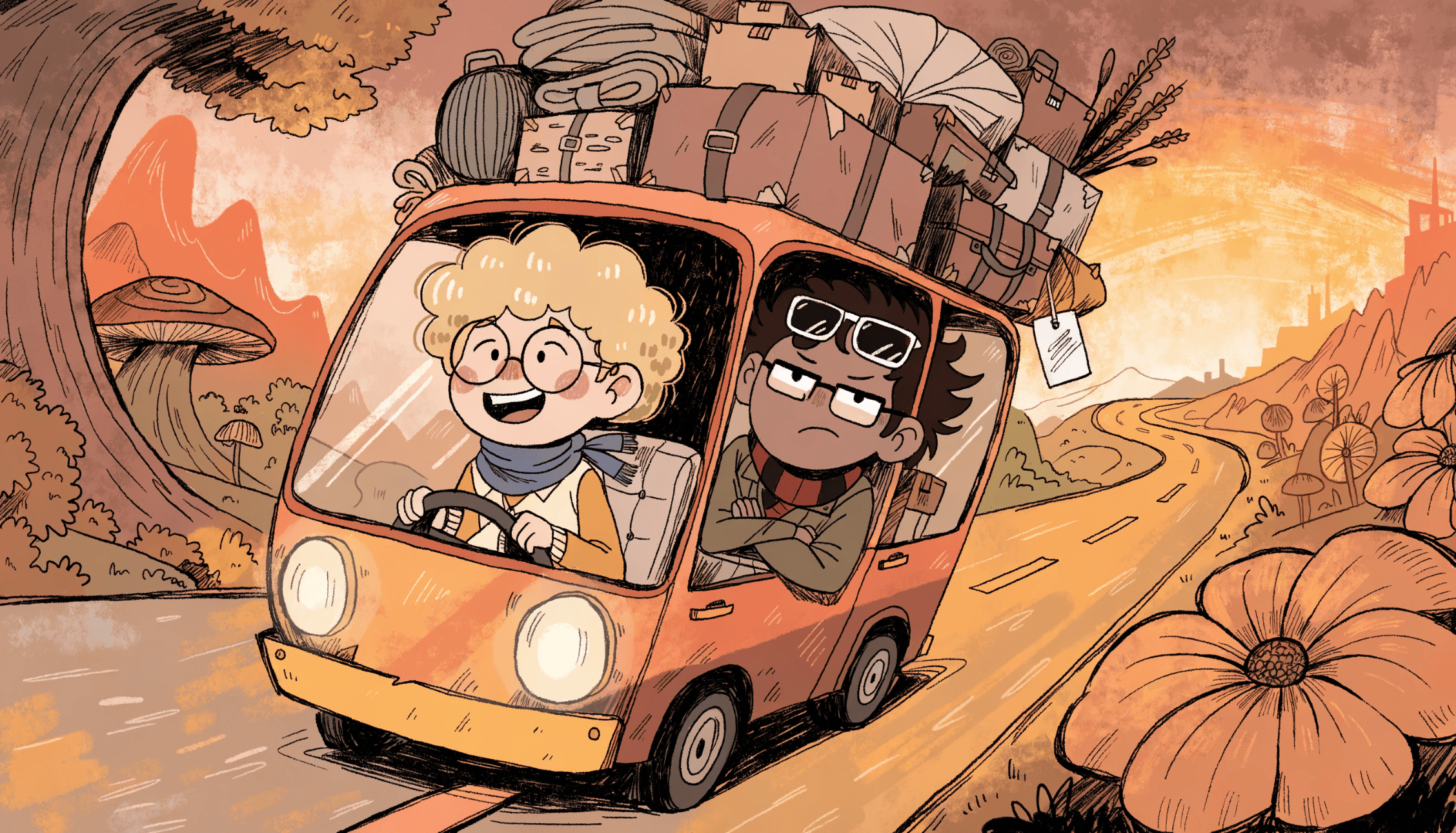
Four images made with GPT Image 2.6: a cowboy in a turquoise fur coat, a model in denim with chrome jewelry, a coffee pouch among liquid metal flowers, and an albino deer in red grass
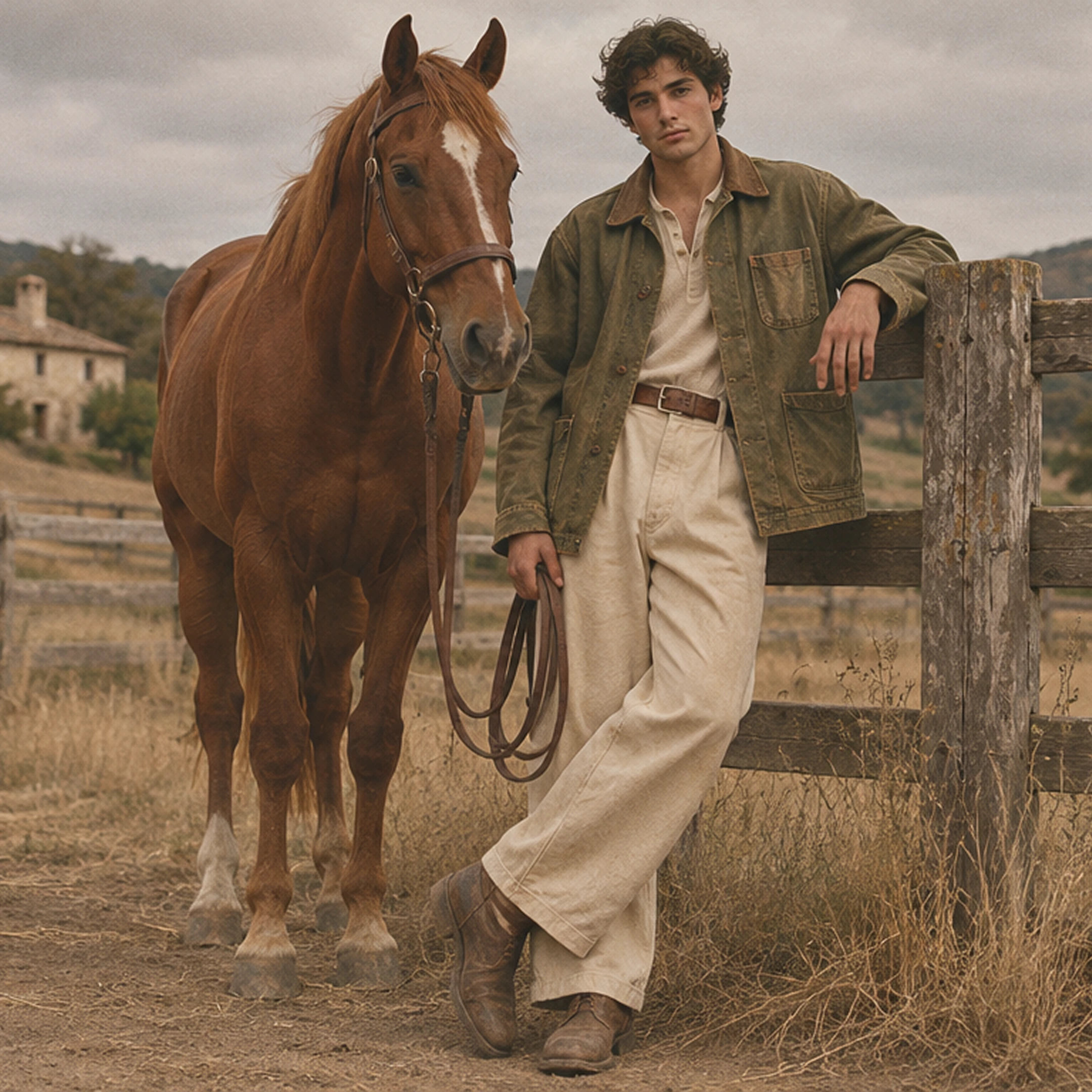
Young man in a canvas work jacket leaning on a ranch fence beside a chestnut horse, made with GPT Image in Recraft Studio

GPT Image models in Recraft Studio

GPT Image is OpenAI's family of image generation and editing models, and Recraft Studio carries several versions of it. GPT Image 2.6 Flare is the fast model for drafts and quick variations. GPT Image 2.6 Sunburst is built for final images and multi-step edits, and keeps a character, product, or scene consistent across rounds of changes. GPT Image 2.5, GPT Image 2, and GPT Image 1.5 are in the model selector too.

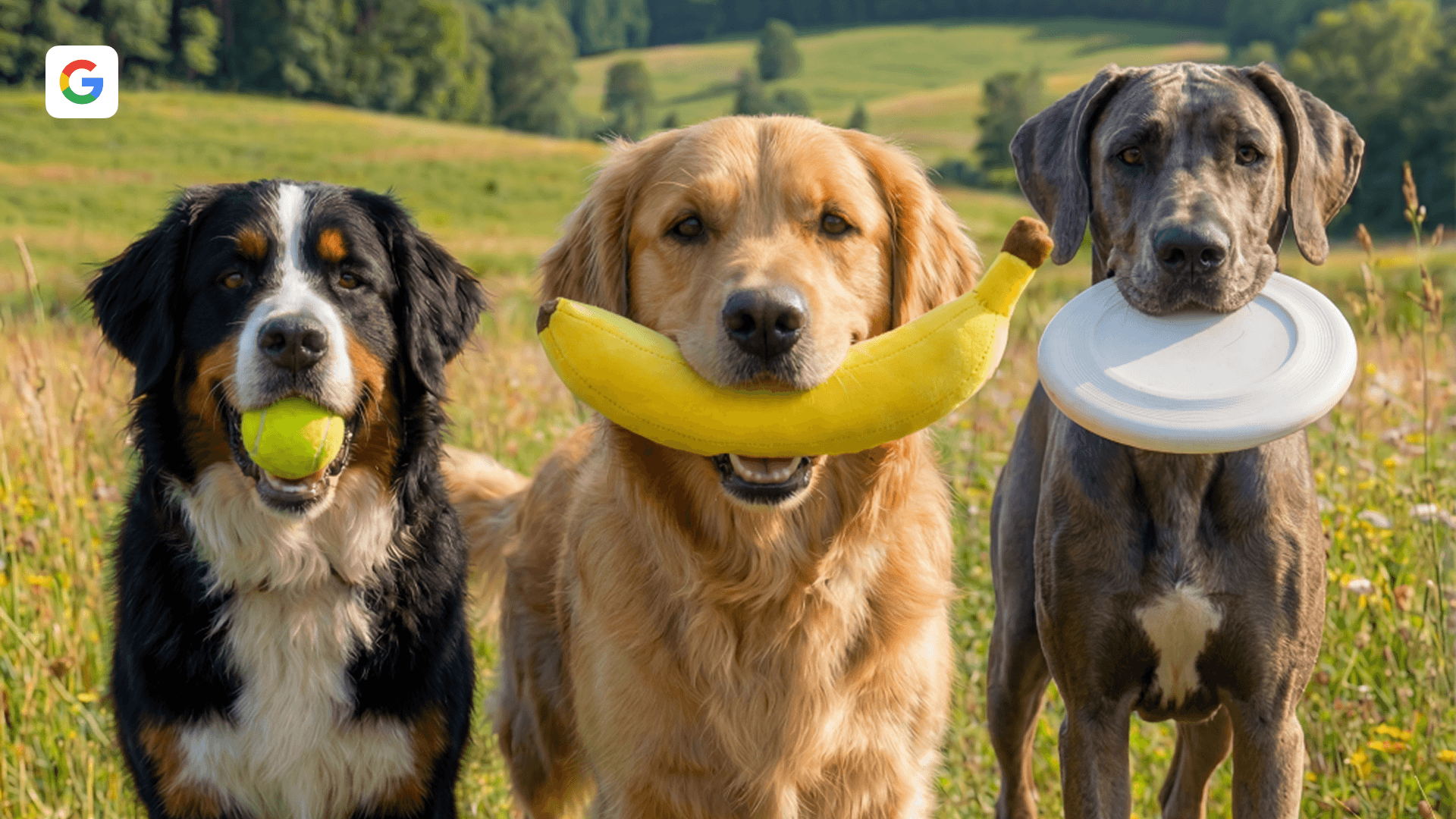
On paid plans, GPT Image 2.6 runs at six quality settings from Low to Max, at 1K or 2K, and the model selector shows the credit cost before you generate. Turn on Model comparison to see Flare and Sunburst next to Recraft V4.1 Pro on the same prompt. GPT Image returns raster images, and Recraft's image vectorizer turns any result into an editable SVG on the same canvas.
Try GPT Image 2.6

How to use GPT Image 2.6 in Recraft Studio

1

Open Recraft Studio

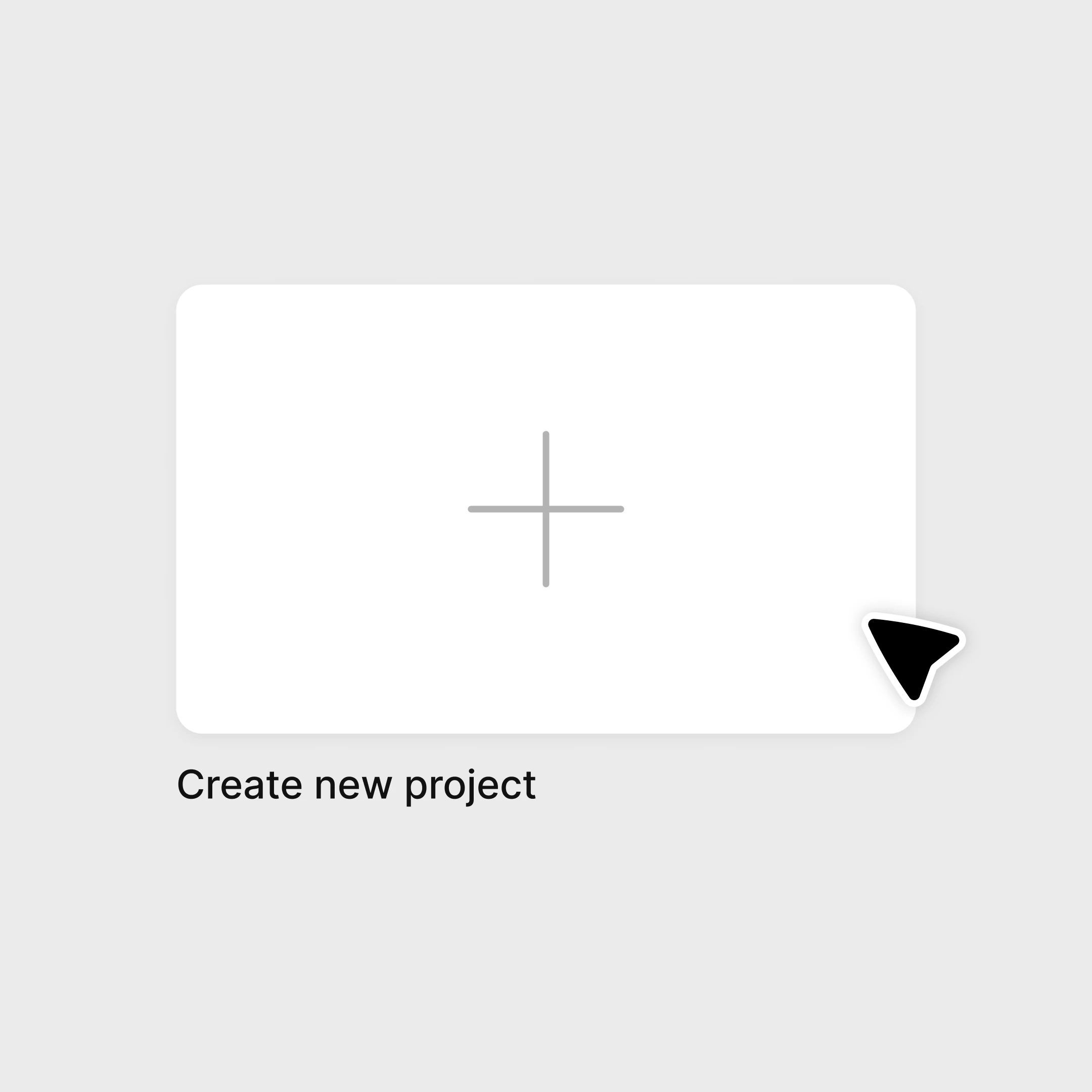
Start a new project, or upload an image you want to edit and select it.

Create new project card in Recraft Studio
2

Choose GPT Image 2.6

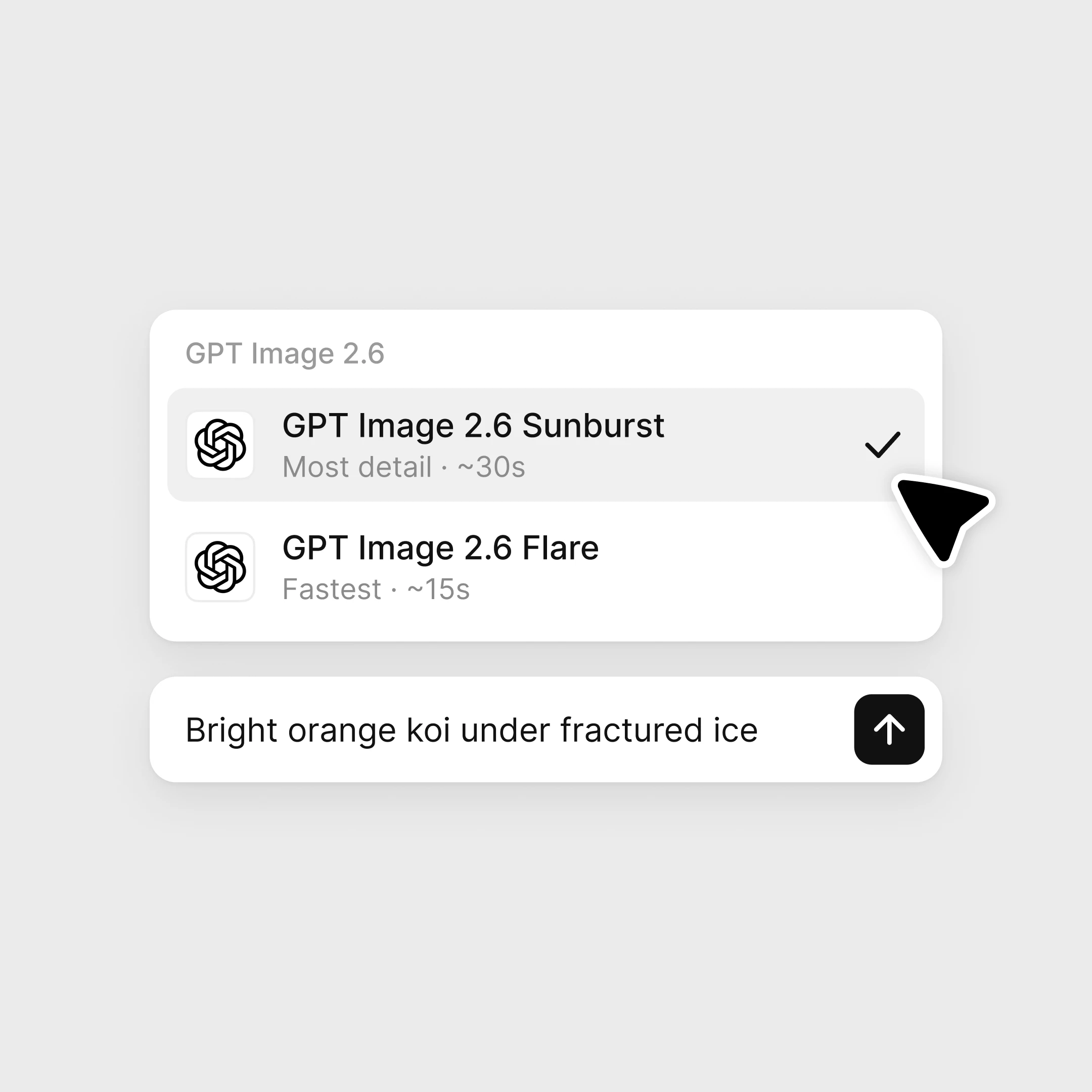
Pick Flare or Sunburst in the model selector, then enter your prompt.

GPT Image 2.6 Sunburst and GPT Image 2.6 Flare in the Recraft Studio model selector
3

Generate and refine

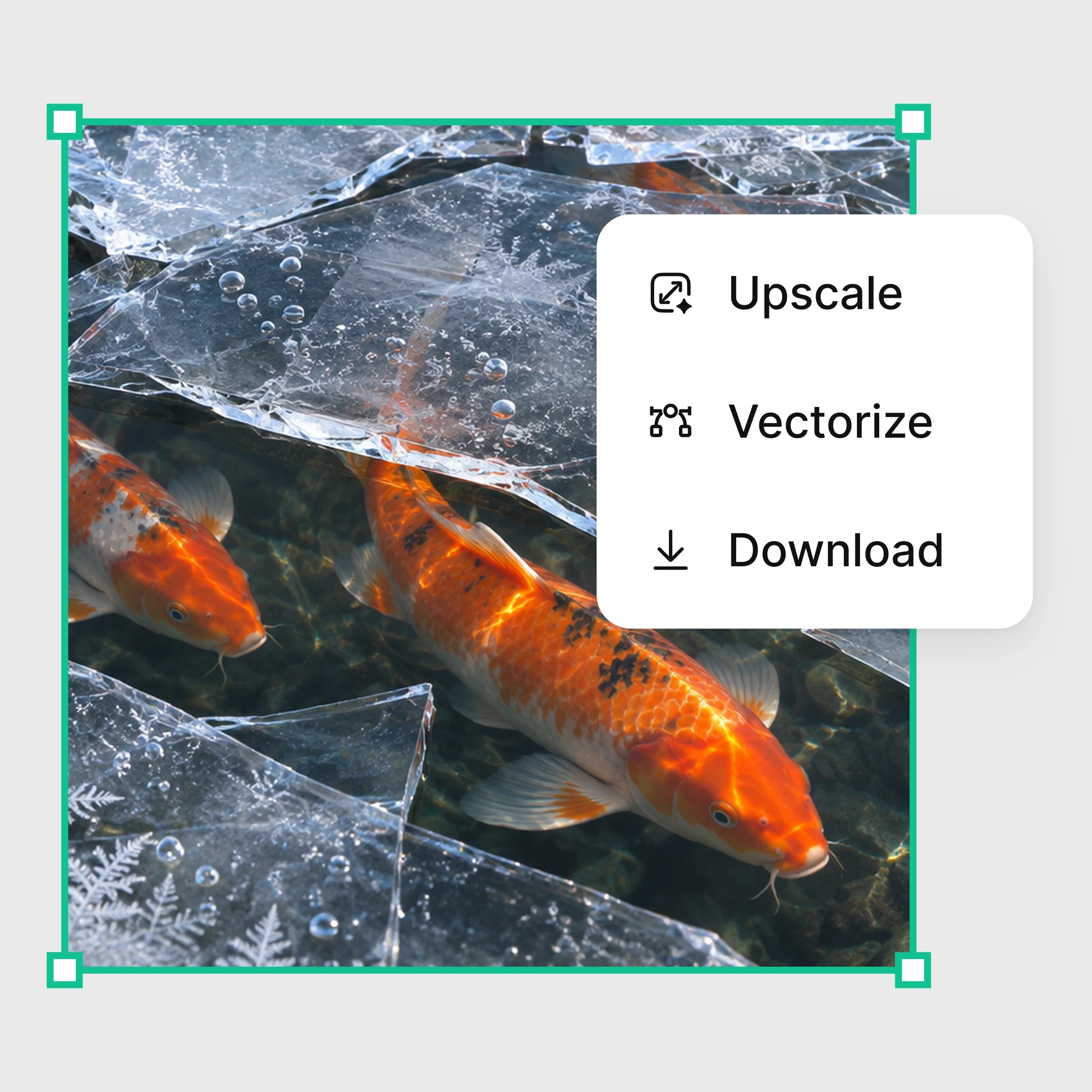
Describe changes in plain language, then upscale, vectorize, or download.

Koi image made with GPT Image 2.6 with Upscale, Vectorize, and Download options in Recraft Studio

Explore more

All tools that you need for a perfect design, in one place

AI models in Recraft Studio

All top models for image and video generation and editing in one place.

AI image generator

Generate high-quality images with the best AI models from Recraft.

AI vector generator

Create editable SVGs directly from text descriptions.

Mockup generator

Visualize products, packaging, and marketing materials instantly.

AI background remover

Remove unwanted backgrounds instantly while keeping edges clean and natural.

AI image editor

Edit, enhance, and transform any image using simple text prompts or intuitive controls.

Image format converter

Convert between any raster and vector formats such as SVG, PNG, JPG, TIFF, PDF, and more.

AI image combiner

Merge multiple images into one coherent composition.

FAQ

What is GPT Image 2.6?

GPT Image 2.6 is OpenAI's latest image generation and editing model, released in November 2026. It comes as two models: Flare, built for fast drafts, and Sunburst, built for quality and consistency across edits. Both are available in Recraft Studio.

What is the difference between GPT Image 2.6 Flare and Sunburst?

Flare is the faster model, built for drafts and quick variations. Sunburst takes longer and keeps details consistent across edits, which suits final images, characters, products, and client revisions. In Recraft Studio, both cost the same and share the same quality settings.

Can I use GPT Image 2.6 for free?

Yes. GPT Image 2.6 Sunburst is available on Recraft's Free plan at its default settings. Flare and the full range of quality and resolution settings are available on paid plans.

Which GPT Image versions are available in Recraft Studio?

Recraft Studio offers GPT Image 2.6 Sunburst and Flare, GPT Image 2.5 Sunburst and Flare, GPT Image 2, and GPT Image 1.5. The model selector always shows the current list.

What quality settings does GPT Image 2.6 have?

GPT Image 2.6 has six quality settings: Auto (the default), Low, Medium, High, Extra high, and Max, at 1K or 2K resolution. Lower settings are faster and cheaper, which suits drafts, while higher settings take longer and suit final images. Choosing quality and resolution is available on paid plans.

How many credits does it take to generate with GPT Image?

It depends on the model and settings. GPT Image 2.6 costs 10 credits per image at default settings, and 4 to 57 credits depending on quality and resolution. GPT Image 2 and GPT Image 1.5 cost 2 to 24 credits. The model selector shows the exact cost before you generate.

Can I turn a GPT Image result into an SVG?

Yes. GPT Image generates raster images, and Recraft Studio can vectorize any result into an editable SVG on the same canvas, so you can scale it, recolor it, and edit its paths.