API
Build automated visual workflows with Recraft API
Integrations
Access Recraft across different platforms
Download app
Download app

Seedream

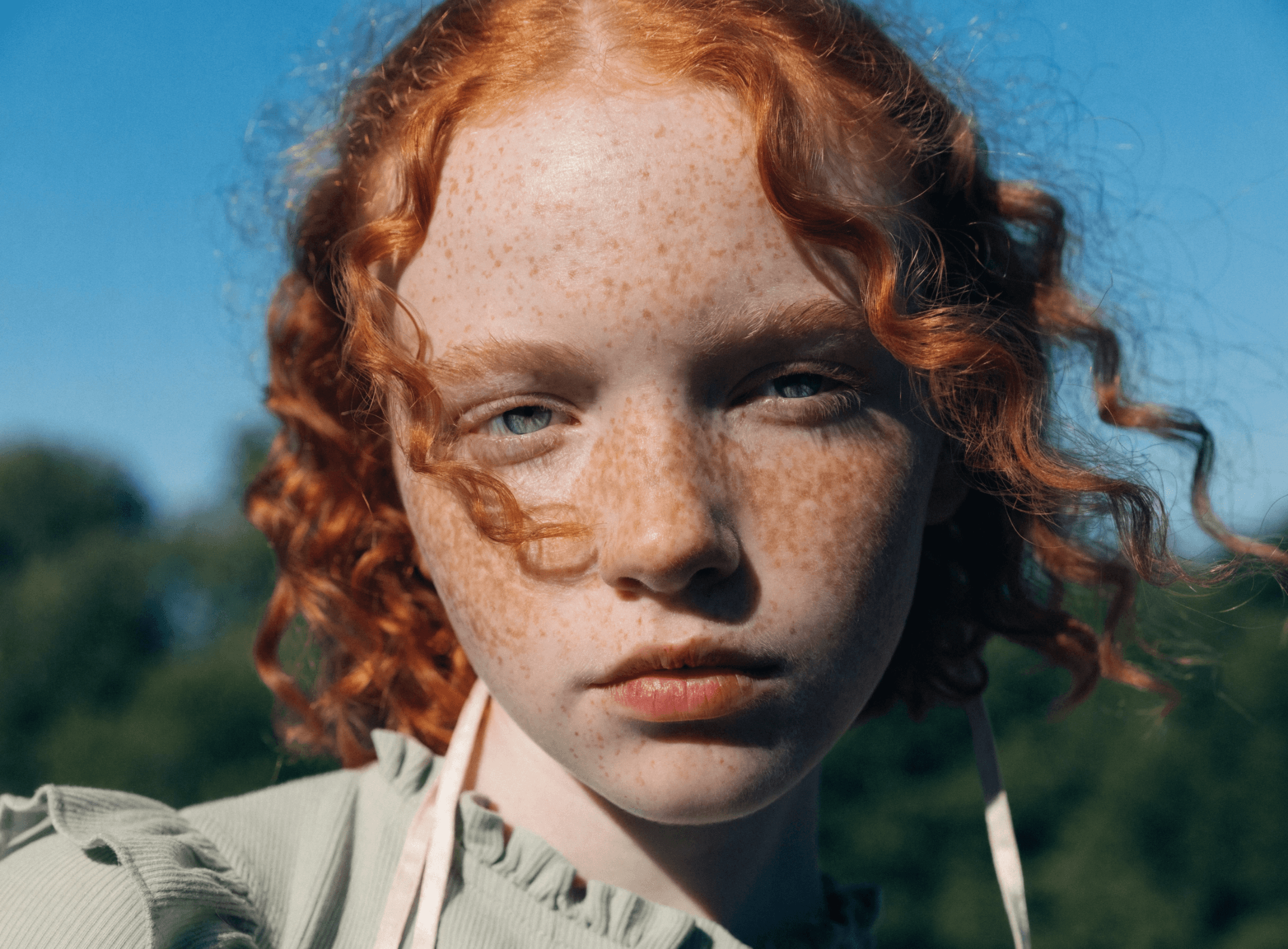
Seedream is ByteDance's family of AI image models, available in Recraft Studio. Seedream 5.5, the latest version, brings more natural realism, cleaner small text, and edits that keep untouched areas intact, at 1.5K or 2K.

Trusted by designers at

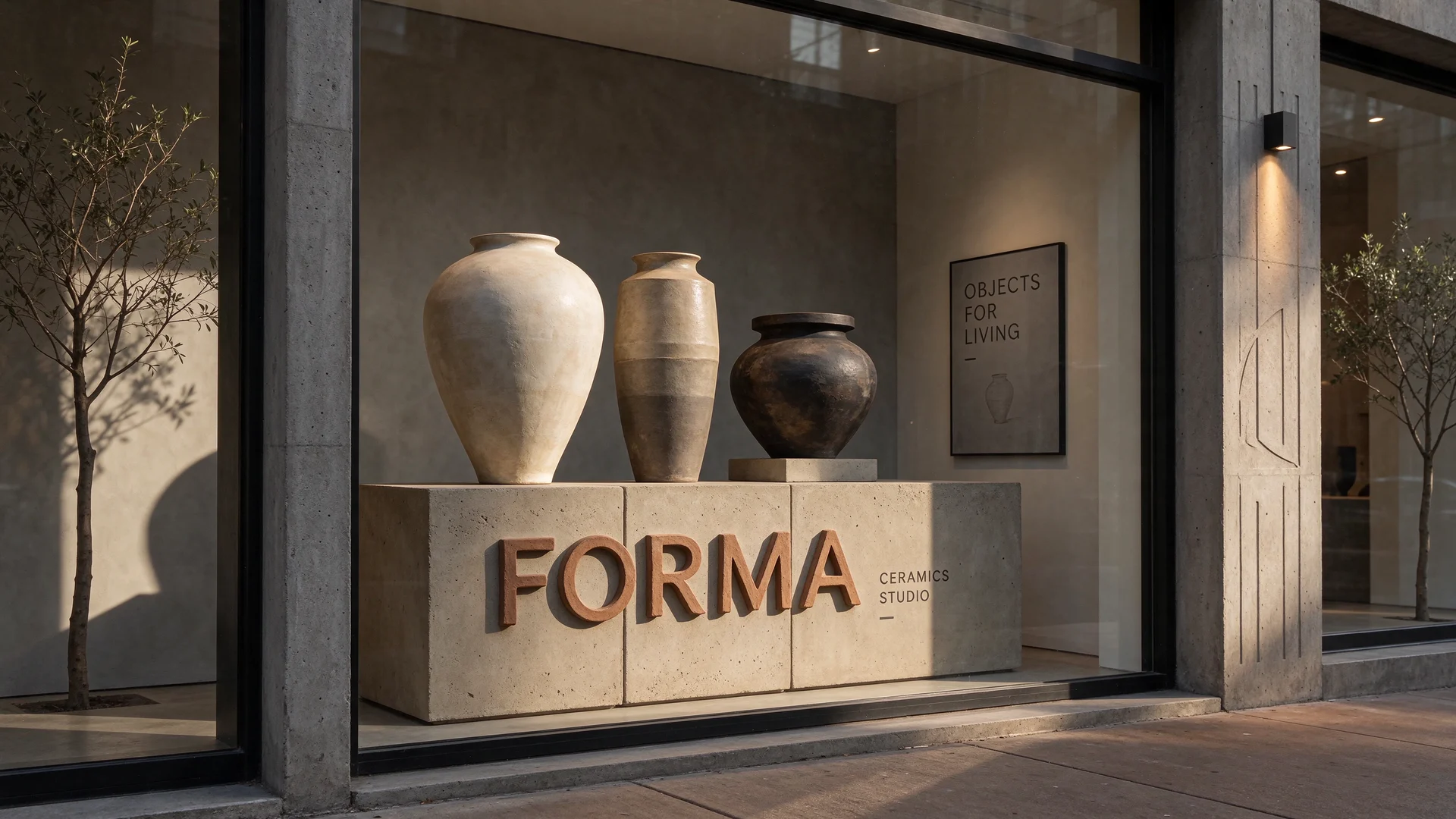
Ceramics studio window with FORMA lettering on a concrete pedestal, three vessels, and an Objects for Living poster, made with Seedream 5.5
Cowboy in a turquoise fur coat on the bumper of a yellow convertible at a gas station at dusk, made with Seedream 5.5

Seedream models in Recraft Studio

Seedream is ByteDance's family of image models, and Recraft Studio carries several versions of it. Seedream 5.5 renders lighting, materials, and skin more naturally and handles dense small type, from packaging copy to storefront signs. Add up to 10 reference images to guide the subject, style, or layout, and get a 2K image in about 30 seconds.

Seedream 5.0 Pro, 5.0 Lite, V4.5, and V4 stay in the model selector next to 5.5, so you can pick the version per project, and the selector shows the credit cost before you generate. Every result lands on the Recraft canvas, ready to edit, upscale, or turn into an SVG with the image vectorizer.

Try Seedream 5.5

How to use Seedream 5.5 in Recraft Studio

1

Open Recraft Studio

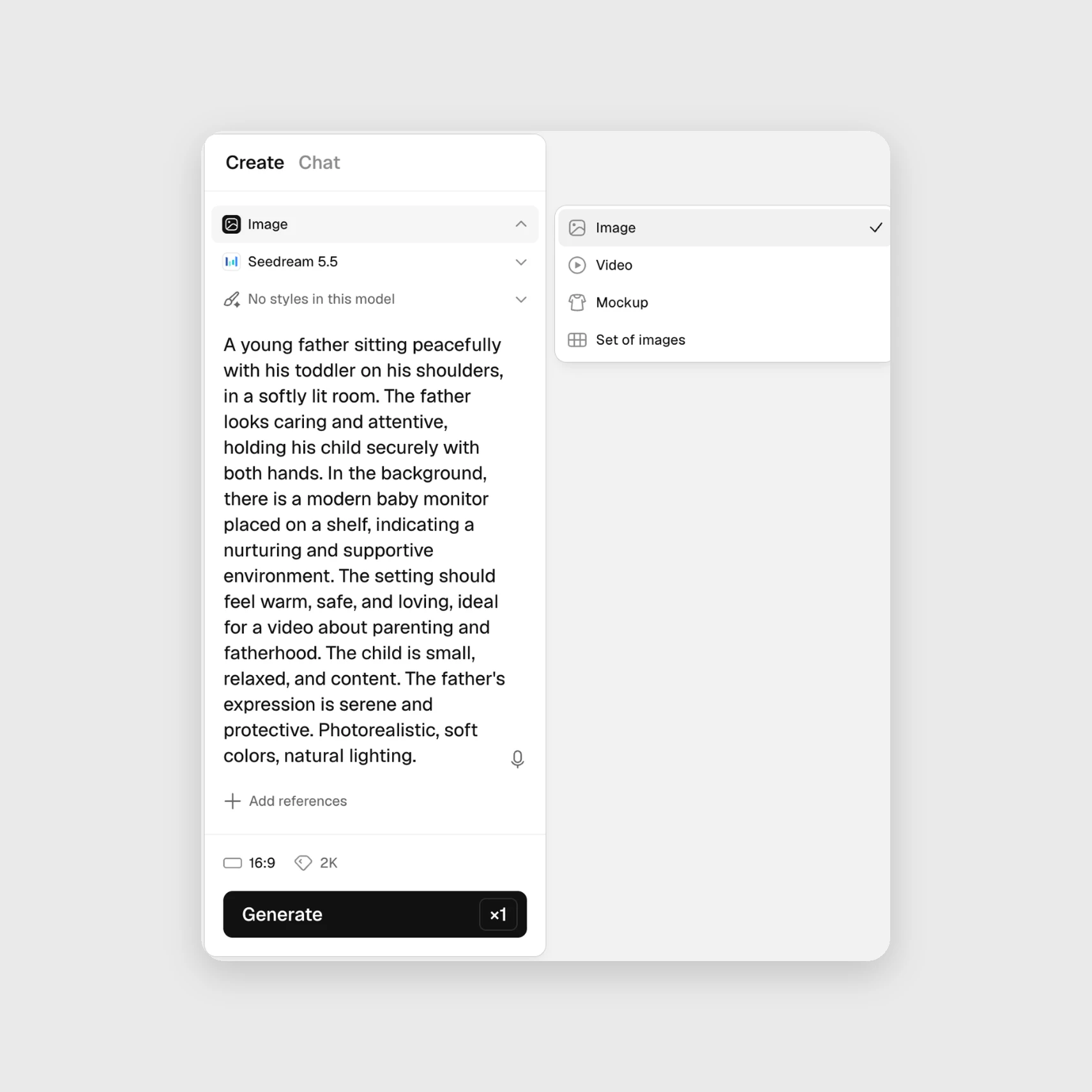
Start a new project and keep the Create panel on Image.

Recraft Studio Create panel set to Image with Seedream 5.5 selected
2

Choose Seedream 5.5

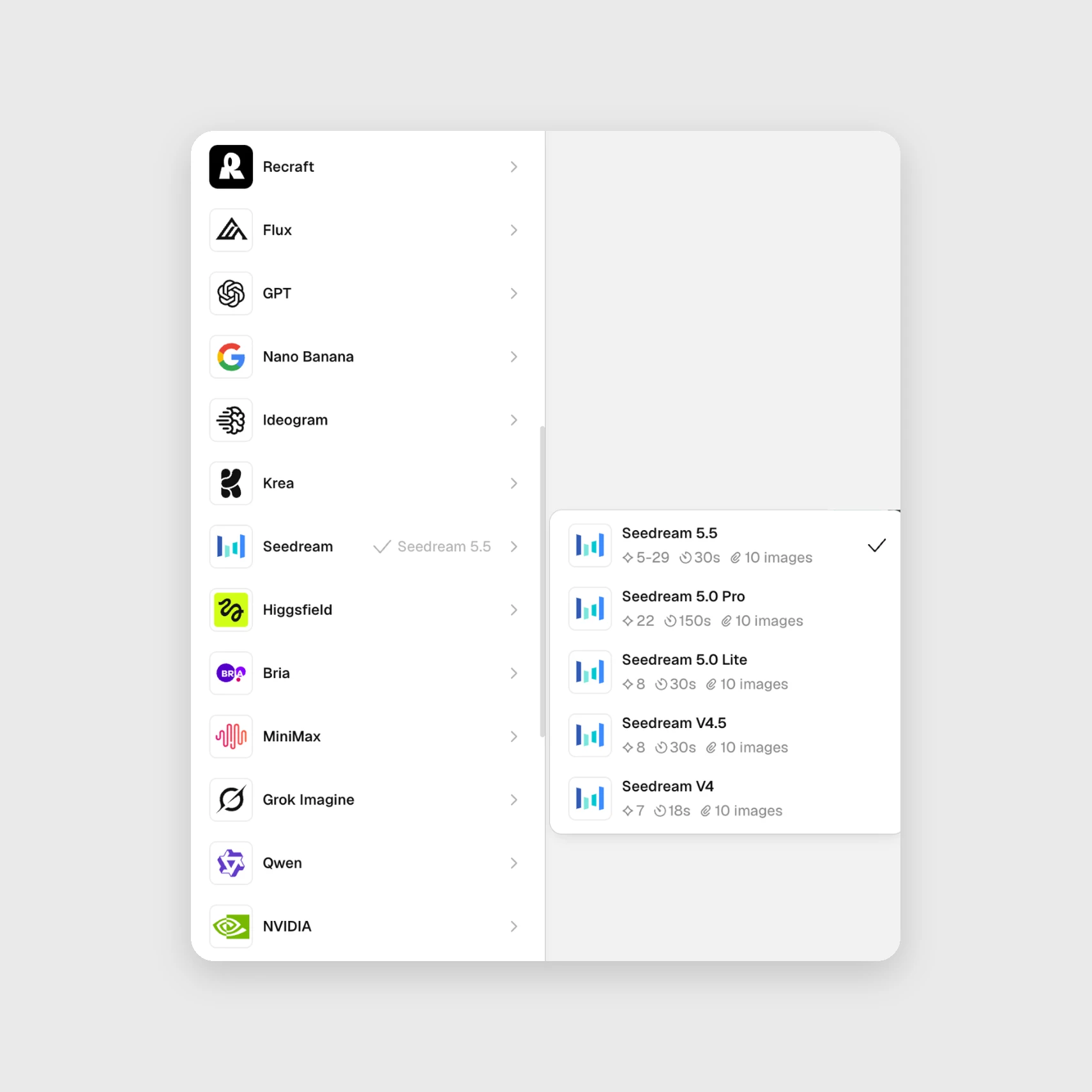
Pick Seedream 5.5 in the model selector, then set 1.5K or 2K.

Seedream 5.5, 5.0 Pro, 5.0 Lite, V4.5, and V4 in the Recraft Studio model selector
3

Generate and refine

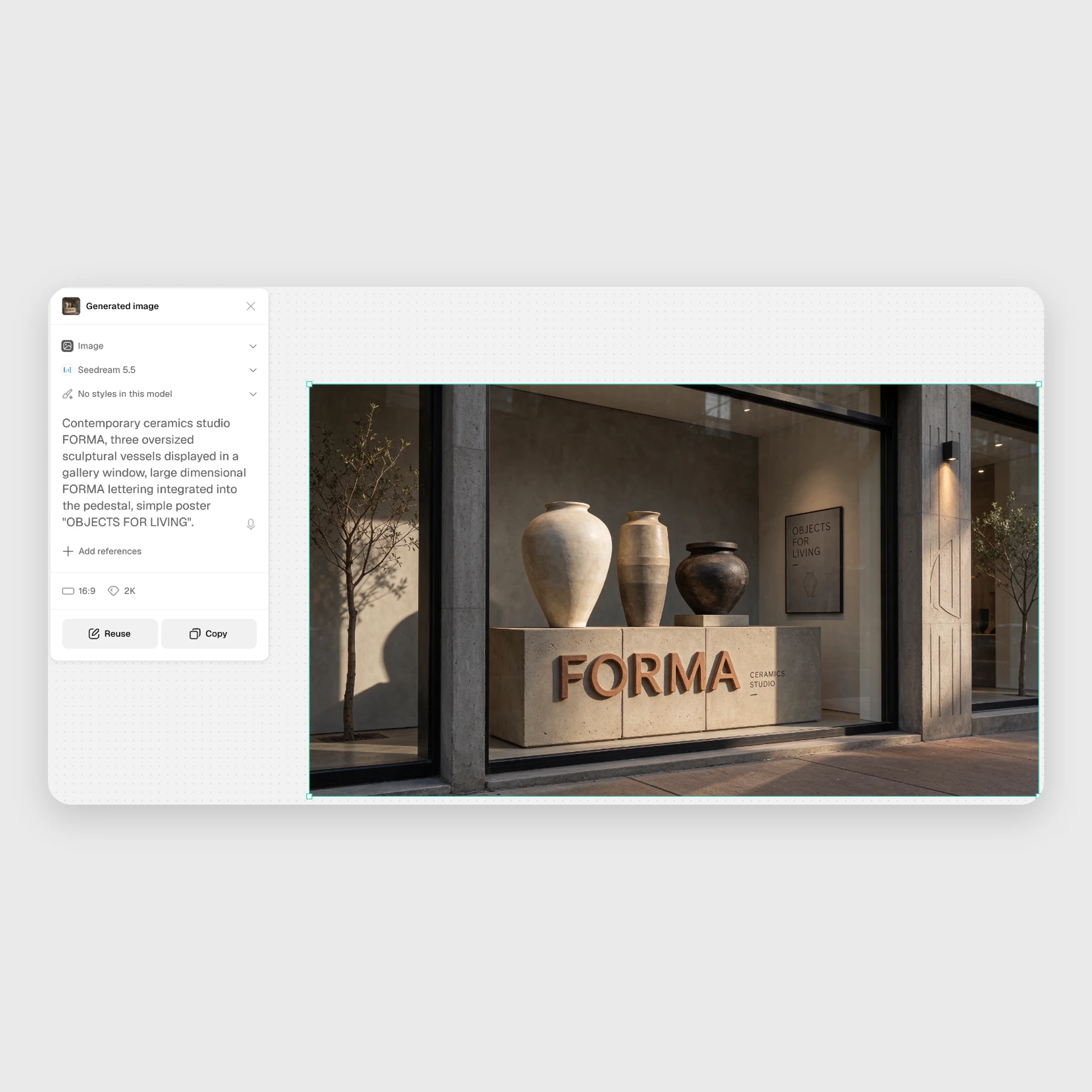
Add up to 10 references if needed, then edit, upscale, or vectorize.

Ceramics studio image made with Seedream 5.5 next to its prompt in Recraft Studio

Explore more

All tools that you need for a perfect design, in one place

AI models in Recraft Studio

All top models for image and video generation and editing in one place.

AI image generator

Generate high-quality images with the best AI models from Recraft.

AI vector generator

Create editable SVGs directly from text descriptions.

Mockup generator

Visualize products, packaging, and marketing materials instantly.

AI background remover

Remove unwanted backgrounds instantly while keeping edges clean and natural.

AI image editor

Edit, enhance, and transform any image using simple text prompts or intuitive controls.

Image format converter

Convert between any raster and vector formats such as SVG, PNG, JPG, TIFF, PDF, and more.

AI image combiner

Merge multiple images into one coherent composition.

FAQ

What is the difference between Seedream 5.5 and earlier versions?

Seedream 5.5 is the latest version. ByteDance reports more natural realism, cleaner small text, and edits that keep untouched areas intact across many rounds. In Recraft Studio it takes about 30 seconds per image, against about 150 seconds for Seedream 5.0 Pro. Seedream 5.0 Pro, 5.0 Lite, V4.5, and V4 stay in the model selector.

What kinds of edits can Seedream perform?

Seedream can change specific elements, such as clothing, background, lighting, or objects, while keeping the rest of the scene as it was. ByteDance says Seedream 5.5 keeps unedited areas intact even across many rounds of changes. On the Recraft canvas, you can also remove the background, upscale, or vectorize the result.
How does Seedream handle character or identity consistency?

Add up to 10 reference images in Recraft Studio to guide a character's identity, a product, a style, or the composition. Seedream uses them to keep results consistent across a series of images.

How many credits does it take to generate with Seedream?

Seedream 5.5 costs 9 credits per image at the default settings and 5 to 29 depending on settings. Seedream 5.0 Pro costs 22 credits, 5.0 Lite and V4.5 cost 8, and V4 costs 7. The model selector shows the exact cost before you generate.